
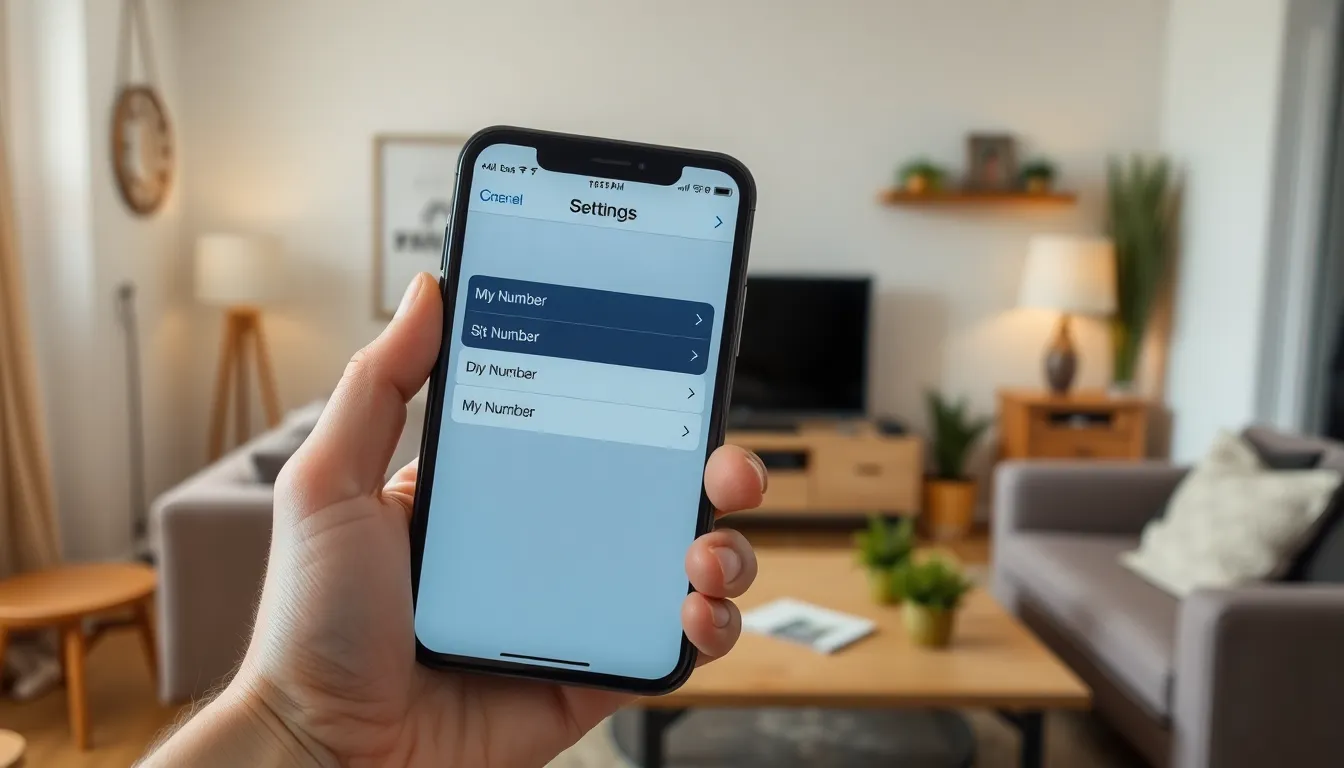
Ever found yourself in a conversation where someone asks for your number, and you freeze like a deer in headlights? You’re not alone! With all the apps and distractions on an iPhone, it’s easy to forget the one number that really matters—your phone number.
Understanding “What Is My Number iPhone”
The iPhone offers users multiple ways to access their phone numbers. Every iPhone contains a setting that displays the user’s phone number quickly. Tapping on the “Settings” app and selecting “Phone” yields instant access to the number.
Another method involves using the Contacts app. Users can find their own contact entry, which displays their phone number along with additional contact details. This method provides an easy way to verify the number.
For users who prefer direct interaction, asking Siri can also reveal the phone number. Simply activating Siri and stating “What is my number” prompts the assistant to provide the answer. This feature is particularly helpful when users cannot locate their phone number manually.
In addition to these methods, sending a text to another device can confirm the number. Recipients will automatically see the sender’s number when they receive the message, making it straightforward for users to identify their information.
Methods to Find Your Number on iPhone
Finding a phone number on an iPhone is straightforward. Several methods exist for users to quickly access this information.
Checking Settings
Open the “Settings” app on the iPhone. Scroll down and tap on “Phone.” Users will see their phone number displayed at the top of the screen. It’s listed right under the “My Number” section. This method provides an immediate way to verify the number without needing any additional apps.
Using Contacts App
Navigate to the “Contacts” app directly. At the top, users can find their own contact card labeled with their name. Tapping this card reveals the associated phone number. This method allows users to view not just their number, but also other relevant contact information like email and address.
Alternative Ways to Discover Your Number
Several additional methods exist for finding your iPhone number, making it simple and efficient.
Calling a Friend
Calling a friend provides a straightforward way to discover your number. When you dial their phone, they’ll see your number on their device. Ask them to share it back with you. This method offers a quick solution without needing any apps or settings adjustments. Additionally, your friend can save your number in their contacts, ensuring easy access in the future.
Using Carrier Apps
Carrier apps serve as another practical option for locating your phone number. Many mobile service providers offer applications that include account information. After logging into the app, users can easily find their phone number listed in the account details section. Carrier apps often provide further insights about billing and usage, enhancing the overall user experience. Users can also reach out to customer service through these apps for additional assistance, if needed.
Troubleshooting Common Issues
Encountering issues while trying to access or view your phone number may happen. Some common problems include no number displayed or SIM card issues. Below are details to help resolve these situations.
No Number Displayed
If a user finds that their number isn’t displaying in the “My Number” section of settings, a few factors could be at play. The number might not be registered properly with the carrier. Restarting the iPhone can reset the settings and often resolves temporary glitches. Sometimes, updating the iOS version can rectify this issue. Ensure the device has the latest updates installed. Contacting the mobile carrier directly can provide clarity for persistent issues and may reveal account-related problems.
SIM Card Problems
A malfunctioning SIM card can lead to number display issues. Users should first check if the SIM card is properly inserted into the iPhone. If the SIM card is damaged or not recognized, the phone may not display any number. Removing the card, checking for dirt or damage, and reinserting it fixes common connection problems. In cases of persistent errors, replacing the SIM card through the carrier might be necessary. This process usually involves visiting a store or contacting customer service for assistance.
Knowing how to find your phone number on an iPhone is essential in today’s fast-paced digital world. With the various methods available users can quickly access their number without the stress of forgetting it. Whether through settings Siri or carrier apps there’s always a way to retrieve this crucial information.
Should any issues arise users can troubleshoot effectively by checking their SIM card or ensuring their iOS is up to date. Staying informed about these simple steps not only enhances convenience but also ensures users are always prepared when asked for their number. Embracing these tips can make a significant difference in managing personal information seamlessly.