

Spam calls can feel like an unwanted party crashing your phone. Just when you think you’re about to enjoy some peace and quiet, a random number disrupts your day with a pitch for something you didn’t ask for. If only there were a way to keep those pesky interruptions at bay while still staying connected to the important people in life.
Understanding Spam Calls
Spam calls frequently disrupt individuals’ daily lives. These unwanted interruptions come from telemarketers, scammers, and robocalls. Their tactics often include aggressive sales pitches and fraudulent schemes. Many people experience frustration when these calls invade personal time, often during work hours or family gatherings.
Identifying spam calls can pose challenges. Numbers that generate large volumes of calls can appear legitimate, making it harder to discern if a call is spam. Caller ID information sometimes misrepresents the source of the call. In fact, nearly 50% of all mobile calls are spam, according to the Truecaller Insights Report.
Consequences of spam calls include wasted time and potential exposure to harmful scams. Victims might share personal information unknowingly, leading to identity theft or financial loss. Protecting against these risks requires a proactive approach to managing incoming calls.
Various methods exist for filtering spam calls on iPhones. Users can enable features on their devices that automatically detect and silence suspected spam calls. In addition, third-party applications designed to block robocalls offer further protection. Maintaining an updated contact list enhances overall call management.
The trend of spam calls continues to grow, with no signs of slowing down. By staying informed and implementing effective filters, individuals can reclaim their time and minimize unwanted disturbances. Taking steps to understand spam calls’ impact contributes to a more peaceful daily routine.
How Spam Call Filtering Works
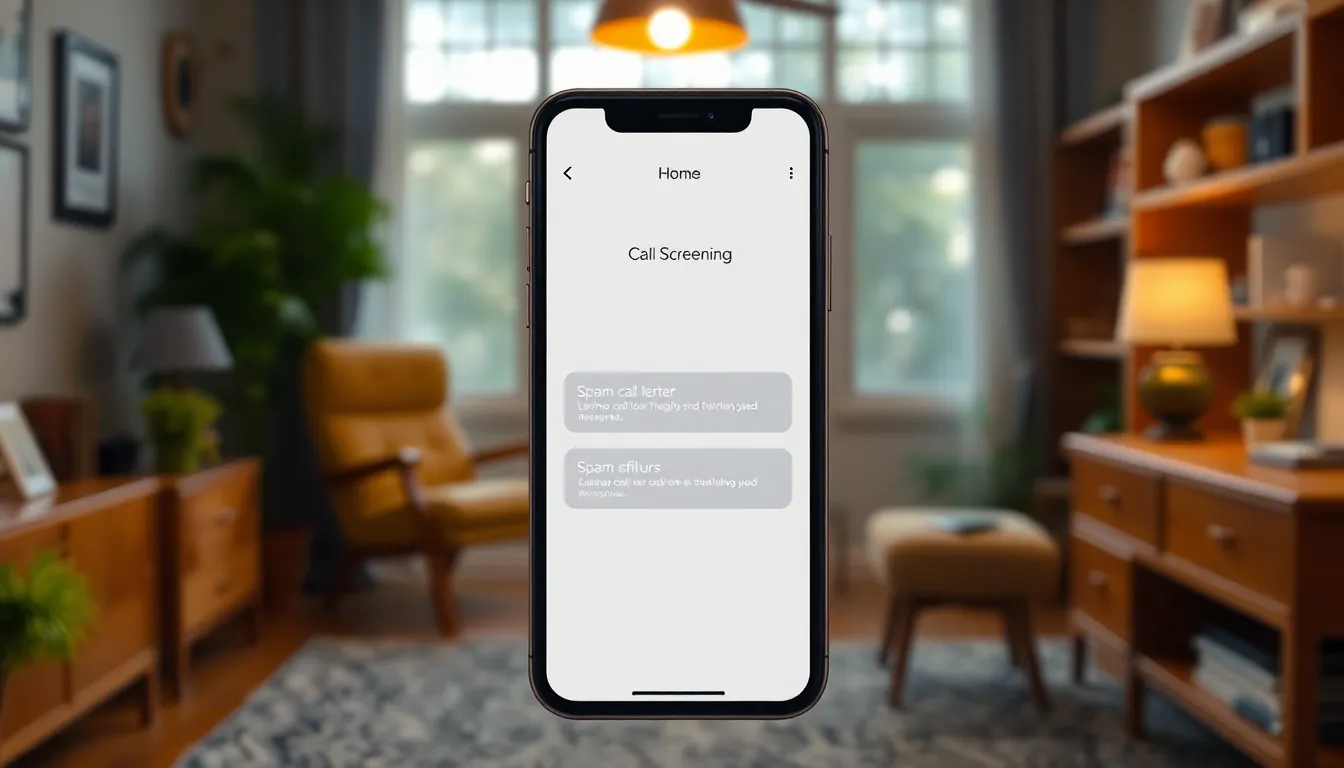
Spam call filtering employs various techniques to identify and block unwanted calls, enhancing daily communication. Apple has integrated features on iPhones that help users automatically screen potentially harmful numbers.
Built-in Features
iPhones include features designed to reduce spam calls. Users can enable “Silence Unknown Callers” in settings, sending unidentified numbers directly to voicemail. Call identification features also verify whether incoming calls are spam based on data from known sources. Users receive alerts for flagged calls, providing a choice to answer or ignore them. This built-in approach minimizes disruptions by allowing only recognized contacts to ring through.
Third-Party Apps
Several third-party applications enhance spam call filtering capabilities. Apps like Truecaller and Hiya provide extensive databases of spam numbers. Users can utilize these apps to identify and block unwanted calls in real-time. Some applications even offer customizable settings, allowing individuals to tailor their filtering preferences. Privacy features in these apps help users manage their data, ensuring a sense of security while filtering calls.
Steps to Filter Spam Calls on iPhone
Spam calls disrupt daily life, making its essential to filter them effectively. Implementing built-in features and strategies helps manage unwanted interruptions efficiently.
Enabling Silence Unknown Callers
Activating “Silence Unknown Callers” sends unidentified numbers directly to voicemail. This setting allows users to receive only calls from saved contacts and known numbers. To enable this feature, navigate to Settings, then Phone, and toggle on Silence Unknown Callers. Users won’t be disturbed by unsolicited calls as they go straight to voicemail. Reviews highlight that this method significantly reduces spam disruption.
Using Do Not Disturb Mode
Do Not Disturb Mode helps users focus without being interrupted by calls. When this feature is activated, only calls from contacts allowed in the Favorites list ring through. Users turn on Do Not Disturb by going to Settings, then tapping on Do Not Disturb and choosing their preferences. This approach prevents spam calls while still permitting essential communications. It enhances user control over incoming calls, ensuring a peaceful environment.
Reporting Spam Calls
Reporting spam calls assists in identifying and blocking repeat offenders. Users can report unwanted calls directly to their carrier or through the Phone app’s options. By tapping the “i” icon next to the number, users can select “Report” to notify Apple or their carrier. Documenting these instances contributes to broader efforts to reduce spam calls. Many carriers work diligently to update their databases based on user reports, improving overall spam detection for everyone.
Tips for Effective Spam Call Management
Managing spam calls requires proactive measures and ongoing awareness. Implementing the following strategies enhances the effectiveness of spam call filtering on iPhones.
Regularly Update Your Settings
Keeping settings current ensures optimal spam call protection. Users can access the “Phone” settings to check for updates to call filtering features. Enabling settings like “Silence Unknown Callers” provides immediate relief from irritating interruptions. Additionally, updating third-party apps like Truecaller and Hiya enhances spam detection abilities. Regularly reviewing these settings helps adapt to evolving spam tactics, ensuring a continued defense against unwanted calls.
Educate Yourself on Common Scams
Being informed about prevalent scams increases personal security. Many scams involve tactics like impersonation or high-pressure sales techniques. Familiarizing oneself with these strategies helps users identify red flags during calls. Researching common scams can empower individuals to recognize suspicious numbers quickly. Staying updated on trends in fraud enhances overall vigilance, reducing the chances of falling victim to scam calls.
Filtering spam calls on an iPhone is essential for maintaining peace and security in daily life. By utilizing built-in features and third-party apps, users can effectively manage unwanted interruptions. Staying proactive and informed about the latest spam detection methods can significantly reduce the chances of falling victim to scams.
Regularly updating settings and educating oneself about common tactics can further enhance protection against spam calls. With these strategies in place, individuals can reclaim their time and focus on what truly matters, fostering a more tranquil and connected experience.